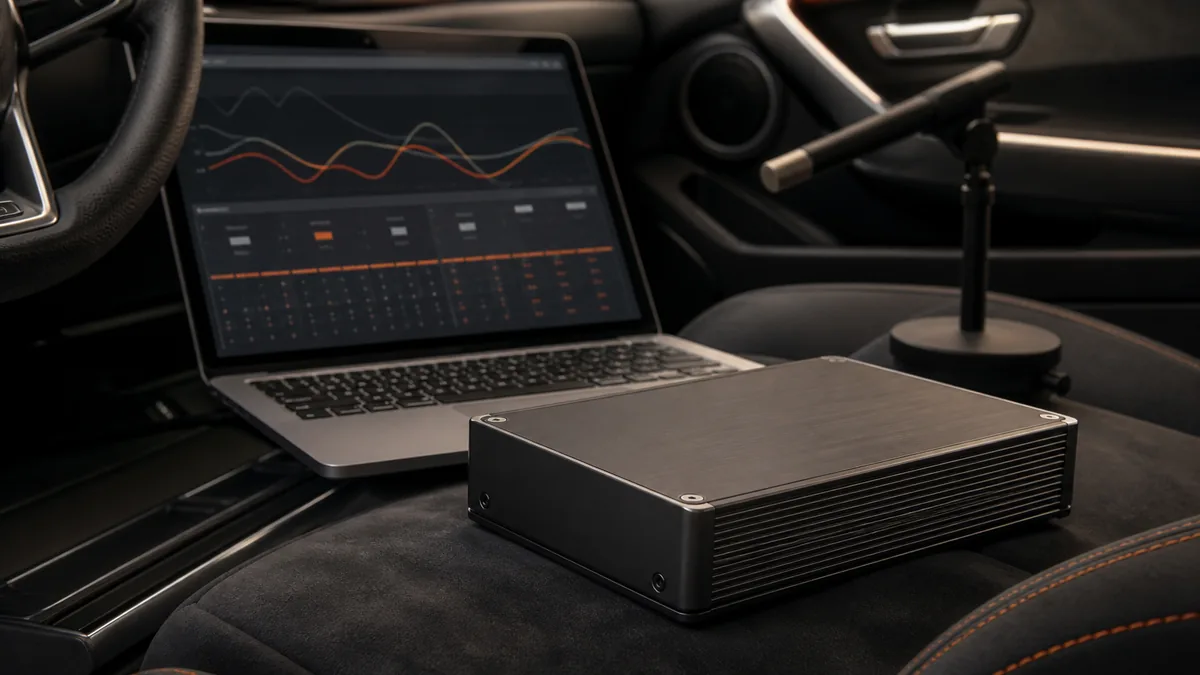
In car audio, DSP usually means digital signal processing or a product that performs it. The processor represents audio as numerical data and applies mathematical operations before sending the resulting channels toward amplification.
A DSP provides control. It does not automatically know the correct settings, repair damaged hardware, or guarantee better sound.
What a car-audio DSP can do
| Function | What it changes | What it does not guarantee |
|---|---|---|
| Routing | Which inputs contribute to which outputs | Correct channel content or preserved factory functions |
| Summing | Combines selected input channels | Recovery of content already canceled or removed |
| Equalization | Level by frequency region | A flat or preferred response at every seat |
| Crossover filtering | Attenuation by frequency for an output | A safe setting for an undocumented driver |
| Delay | Timing of selected channels | Perfect arrival or imaging without geometry and measurement |
| Level and polarity controls | Relative output level or polarity state | Correct gain structure or acoustic phase through all frequencies |
The Analog Devices DSP guide describes the general chain: an analog input can be converted by an analog-to-digital converter, processed mathematically, and returned through a digital-to-analog converter. A DSP can also receive or send supported digital audio without requiring the same conversion at every boundary.
Where the processor can live
A DSP is not always a separate box. Texas Instruments shows several placements in its automotive-audio overview: processing can be integrated with the head-unit system, implemented as another device in the head unit, or housed in an external amplifier.
Aftermarket layouts include:
- a standalone processor between source and power amplifiers;
- an amplifier with built-in DSP;
- a head unit with adjustable processing;
- a factory amplifier that combines routing, processing, and power output;
- a powered speaker or subwoofer with limited built-in processing.
The label “DSP” therefore describes a capability, not one required location.
Routing and summing
Routing determines which input signal reaches each output. A processor can distribute left and right channels, create a mono-derived subwoofer feed, or map several source channels to several amplifier channels.
Summing combines signals. In factory integration, several bandwidth-limited outputs may sometimes need to be combined to reconstruct a wider-range program signal. That is not automatically safe or successful: channel timing, polarity, processing, level, and content can affect the sum.
AudioControl’s product-specific DM-608/DM-810 manual demonstrates that a real processor can expose input/output routing, summing, gain, delay, polarity, crossovers, and EQ. Those functions document that product; they are not proof that every DSP has the same inputs, limits, or workflow.
Equalization and filters
Equalization changes signal level over frequency. It can reduce or increase selected regions according to the available filter design. A crossover uses filters to divide intended frequency regions among outputs or drivers.
Neither control knows the loudspeaker’s safe operating range. The product manual, driver data, system design, and measurements determine an appropriate configuration. A graphical display or large number of EQ bands does not by itself establish accuracy.
Delay and time alignment
Delay shifts when a selected channel leaves the processor. This can help manage unequal path lengths in a vehicle, but a distance entered into software is only an input to a model. Driver acoustic centers, filters, reflections, seat position, and measurement reference affect the result.
“Time alignment” should therefore describe a controlled process, not a promise that every sound reaches both ears simultaneously in all conditions.
A DSP is not an amplifier
Processing changes the signal representation. A power amplifier produces the higher-power electrical output used by a loudspeaker. Some products combine both, which is why a DSP amplifier can perform processing and power amplification in one chassis.
A standalone DSP normally sends lower-level outputs to downstream amplifiers. Read what an amplifier does for the separate power-stage role.
What DSP cannot fix automatically
A DSP cannot, by its existence alone:
- restore information absent from the available source channels;
- make incompatible inputs and outputs compatible;
- prevent clipping caused elsewhere in the signal path;
- repair a damaged or poorly mounted loudspeaker;
- overcome every acoustic cancellation at every seat;
- choose safe crossover settings without product information;
- replace measurement and listening judgment.
Poor routing, excessive EQ, unsuitable filters, incorrect levels, or wrong delay can make a system worse. More controls increase capability and also increase the number of ways to configure the system incorrectly.
The right beginner question
Instead of asking whether a DSP “improves sound,” ask which problem needs control: channel routing, factory-signal integration, frequency response, driver bandwidth, relative level, or timing. Then determine whether the available processor has the required inputs, outputs, functions, documentation, and measurement path.
Use the components map to place DSP in the system, and review analog versus digital audio before assuming a connector or conversion determines quality.
Last verified: August 22, 2026.
Sources
- Analog Devices, A Beginner’s Guide to Digital Signal Processing.
- Texas Instruments, How Highly Integrated DSPs for Premium Automotive Audio are Redefining the Driving Experience.
- AudioControl, DM-608 and DM-810 Installation Manual.