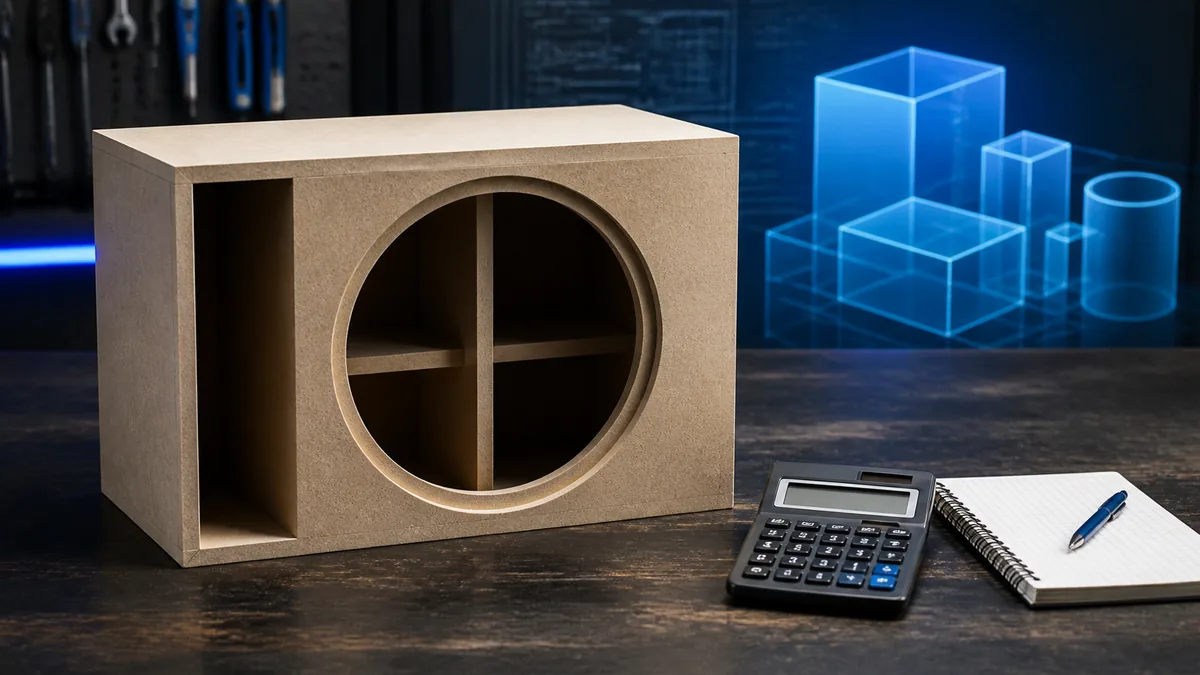
This calculates rectangular gross and declared net airspace only. It does not choose a driver volume, design a port, predict tuning, or approve a build.
Before using the result
- Measure internal dimensions between the relevant panel faces; do not mix external and internal dimensions.
- Enter every displacement in the same unit. Copy driver and port displacement from the exact product/model documentation when available.
- A ported enclosure needs a separate port geometry and tuning model; this tool does not supply one.
- Stop when the manufacturer does not define whether its recommended volume is gross or net.
Enclosure calculators are useful only when their boundaries are explicit. This tool calculates a rectangular internal cavity, subtracts the occupied volumes you declare, and converts the result from cubic inches to cubic feet and liters.
It does not select a driver, decide whether the box should be sealed or ported, calculate port tuning, or certify that a manufacturer target is met.
Use the calculator
Enter internal length, width, and height in inches. Then enter the driver, port, and brace/hardware displacement in cubic inches. If an item is absent, enter zero. All inputs must describe the same enclosure state.
The validated relationship is:
net = (internal length × internal width × internal height) − driver displacement − port displacement − brace/hardware displacement
Rockford Fosgate’s enclosure tutorial uses internal dimensions, divides cubic inches by 1,728 for cubic feet, and identifies woofer, port, and brace displacement as deductions. KICKER’s box guide likewise directs builders to the exact subwoofer’s enclosure requirements.
Gross versus net
| Result | Meaning | Use |
|---|---|---|
| Gross internal volume | Empty cavity inside the panel faces before declared occupied volume | Starting arithmetic |
| Net airspace | Gross volume after driver, port, braces, and hardware deductions | Compare only with a manufacturer target that defines its boundary |
| External volume | Outside dimensions including panels | Fit and packaging, not acoustic airspace |
The calculator uses 1,728 in³ = 1 ft³ and the standard cubic-inch-to-liter conversion. These are unit conversions, not acoustic predictions.
What the result cannot answer
A valid net volume may still be wrong for a driver. Manufacturer recommendations can be model-specific, enclosure-type-specific, and defined with or without certain displacements. A ported enclosure also needs port area, length, shape, end correction, tuning, and excursion checks.
Rockford’s product documentation demonstrates that different subwoofers can have different recommended volumes and displacement values. Never copy one driver’s volume into another because both are labeled “12-inch.”
Record the source of every displacement
Write down the model, measurement boundary, unit, driver displacement source, port geometry, brace layout, terminal intrusion, and whether the manufacturer already included an item. If the manual is ambiguous, ask the manufacturer rather than silently changing gross to net.
Stop when the net result is zero/negative, dimensions are external, the enclosure is irregular, or the task requires a port-tuning or excursion verdict. Use the gross-versus-net reference for the terminology and limitations.
Last verified: August 23, 2026.
Sources
- Rockford Fosgate, How Big Can the Enclosure Be?.
- KICKER, How to Build a Subwoofer Box.