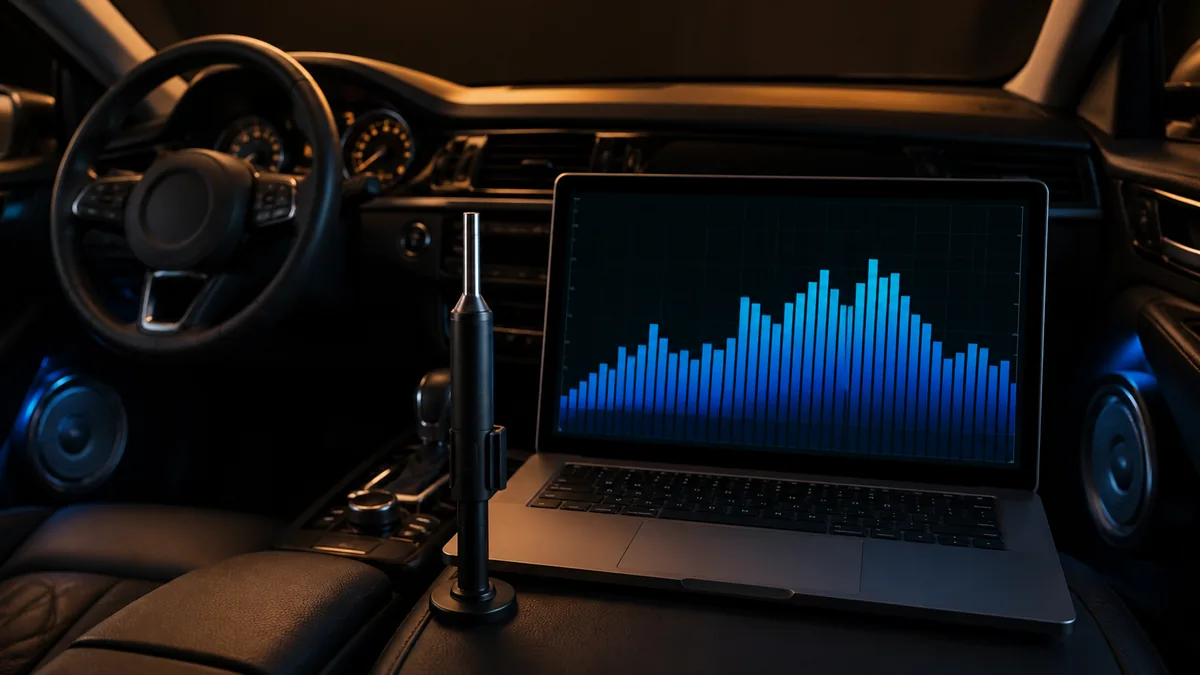
An RTA, or real-time analyzer, displays signal or sound level across frequency bands. In car-audio work it can reveal broad response shape, level differences, noise content, and the result of a controlled adjustment.
It does not automatically identify the physical cause of a pattern, prove that a system is safe, or prescribe an equalizer curve.
What the display means
AudioControl’s DM-RTA manual describes the usual layout: frequency on the horizontal axis and signal level on the vertical axis. The analyzer groups energy into bands according to its selected resolution.
| Observation | Useful interpretation | What is still unknown |
|---|---|---|
| Broad low-frequency rise | The measured position has more level in that region | Whether the cause is target choice, cabin transfer, placement, EQ, or source content |
| Narrow dip | Cancellation or a response deficit may exist at that position | Whether boost will help or merely consume headroom |
| Left/right difference | Channels differ under the test condition | Whether the cause is level, path, filter, speaker, installation, or measurement position |
| Noise-band peak | Energy is present near that band | The exact electrical or mechanical source |
| Change after EQ | The measured magnitude changed | Whether timing, distortion, or other seats improved |
Resolution changes what is visible
Fractional-octave resolution determines how finely the frequency range is divided. Finer resolution can reveal narrower features; coarser displays emphasize broader trends. Neither is universally superior. The setting should match the question and remain recorded so traces can be compared honestly.
Settling time, smoothing, averaging, and display range also affect the view. A moving trace and a heavily averaged trace can make the same system look different.
The microphone is part of the measurement
Microphone calibration, orientation, location, support, and environmental noise affect results. A phone microphone may be useful for rough pattern discovery, but its unknown calibration and processing limit claims about absolute level or precise response.
The vehicle state matters too. Engine, HVAC, open doors, seat position, passengers, and background noise can change the measurement. Record those conditions.
One point is not the whole listening area
Short wavelengths and reflections make response position-dependent. A deep dip at one point can change substantially after the microphone moves a small distance. Audiofrog’s single- versus multi-microphone discussion explains why averaging several relevant positions can represent a listening area better than optimizing one exact point.
The averaging strategy must follow the goal. A driver-only tune and a four-seat compromise are different tasks.
An RTA does not show everything
The magnitude display alone does not fully show arrival time, impulse response, acoustic phase, nonlinear distortion, electrical clipping, polarity, or driver excursion. Some analyzer systems include additional tools, but those functions must be identified separately.
Do not diagnose a dip, add large boost, or declare a driver damaged from an RTA trace alone. First isolate channels, repeat the observation, move the microphone, inspect routing and filters, and use the appropriate electrical or time-domain measurement when required.
A reproducible RTA session
- Define the listening position or averaging area.
- Use a documented test signal and source path.
- Record microphone, calibration, orientation, and analyzer settings.
- Capture a baseline before changing controls.
- Change one bounded variable.
- Repeat the same measurement conditions.
- Compare other seats and perform controlled listening.
- Save the trace with the processor preset and date.
KICKER’s RTA tuning paper provides a concrete manufacturer workflow. Treat its target and procedure as a documented method, not a universal command to flatten every in-car response.
Last verified: August 23, 2026.
Sources
- AudioControl, DM-RTA Owner’s Manual.
- KICKER, Properly Tuning a System with a Real Time Analyzer.
- Audiofrog, Measuring Frequency Response: Single Mic or Multi-Mic Average?.