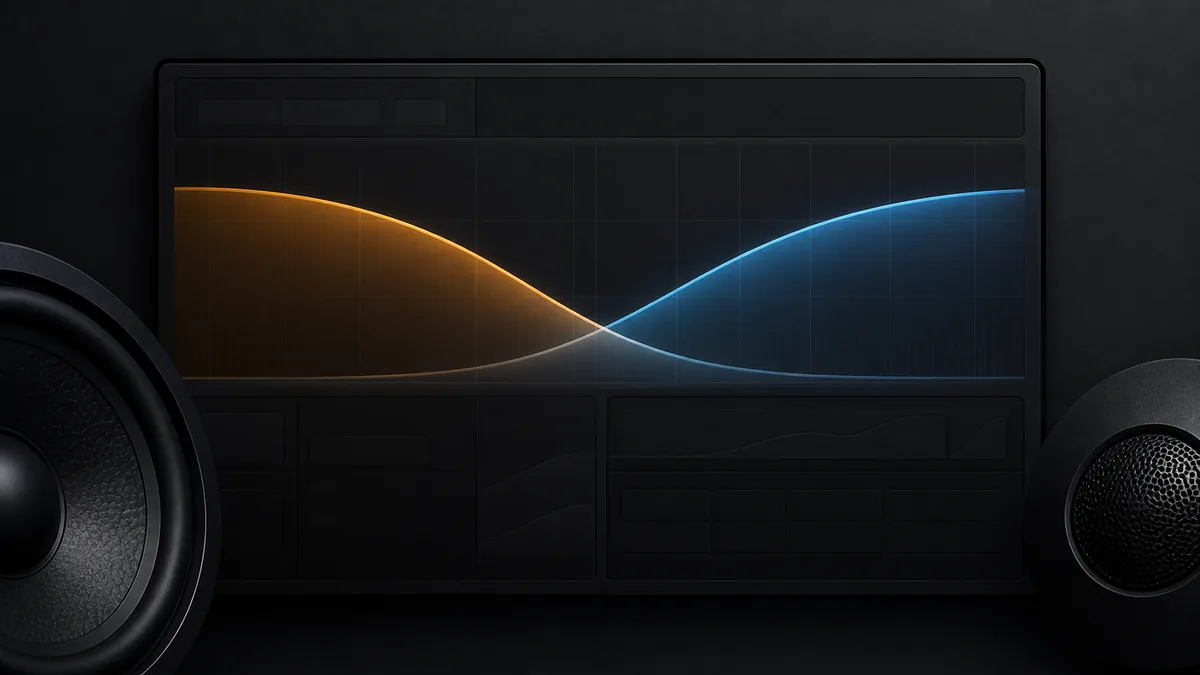
“Set everything to 80 Hz” is a popular shortcut, not a universal answer. A safe and useful crossover setting depends on the exact driver, enclosure/loading, intended level, filter type and slope, adjacent driver, acoustic paths, and manufacturer limits.
An electrical display setting is also not the final acoustic crossover. Both drivers and the cabin add frequency-dependent magnitude and phase behavior.
Build an evidence packet first
| Evidence | Decision it constrains | What cannot replace it |
|---|---|---|
| Exact driver manual/data | Allowed operating band and product recommendations | Diameter alone |
| Enclosure/loading | Low-frequency behavior and excursion demand | “Sealed” or “ported” as a complete model |
| Intended level and content | Protection margin and output goal | One listening genre rule |
| Filter type and slope | Attenuation rate and phase response | Cutoff frequency alone |
| Adjacent driver’s response | Overlap/gap and acoustic sum | Matching screen numbers |
| In-car measurement/listening | Seat-dependent acoustic result | Bench specification alone |
Read HPF vs LPF before using the terms. A high-pass attenuates below its transition; a low-pass attenuates above it. They do not create a brick wall at the displayed frequency.
Start from the limiting driver, not folklore
For a tweeter or midrange, begin with the exact manufacturer’s permitted/recommended crossover range and slope at the intended use. Too little attenuation below a driver’s safe band can increase excursion or thermal stress. For a subwoofer, enclosure alignment, excursion, and any required infrasonic filtering matter.
KICKER’s crossover paper explains filter roles and slopes. Its speaker-size recommendation sheet is explicitly a KICKER product-family starting reference—not proof that every driver of the same diameter shares that limit.
Integrate the adjacent bands
Audiofrog’s crossover guide explains that electrical filters combine with the drivers’ acoustic responses. Two channels set to the same displayed frequency can produce a peak, dip, or useful sum depending on slopes, polarity, path length, and native response.
A defensible sequence is:
- document every active source/DSP/amplifier/passive filter so they do not cascade unnoticed;
- set conservative boundaries that respect each exact driver’s documentation;
- disable boost/EQ that would obscure the initial crossover observation;
- measure each band separately at controlled level, then together at the intended seat;
- inspect overlap, gaps, localization, phase/polarity behavior, and repeatability;
- change one variable—frequency, slope, polarity state, or delay—at a time;
- recheck output and protection limits after integration.
Why 80 Hz is sometimes seen
Eighty hertz can be a reasonable starting point for some subwoofer-to-midbass systems, but it may be wrong for a small speaker, a driver intended to play lower, a steep versus shallow slope, a factory all-pass/filter chain, a limited subwoofer location, or a different output goal. Keep it as a hypothesis, not a standard or safety boundary.
Settings that need exact documentation
Do not guess a tweeter HPF, subsonic filter, passive-network bypass, bridged-channel mode, or factory-speaker protection setting. Do not infer that a software label uses the expected filter topology. Preserve configuration backups and mute/power down as the product requires before rerouting channels.
Stop if the driver produces distress, scraping, sudden output loss, heat/odor, protect indication, or a setting outside its manual. Measurement helps choose among valid states; it cannot make an invalid driver/application boundary safe.
Last verified: August 23, 2026.
Sources
- KICKER, Crossovers.
- Audiofrog, Crossovers: How They Work and How to Choose Them.
- KICKER, Recommended High-Pass Crossover Points by Speaker Size (product-family starting points).