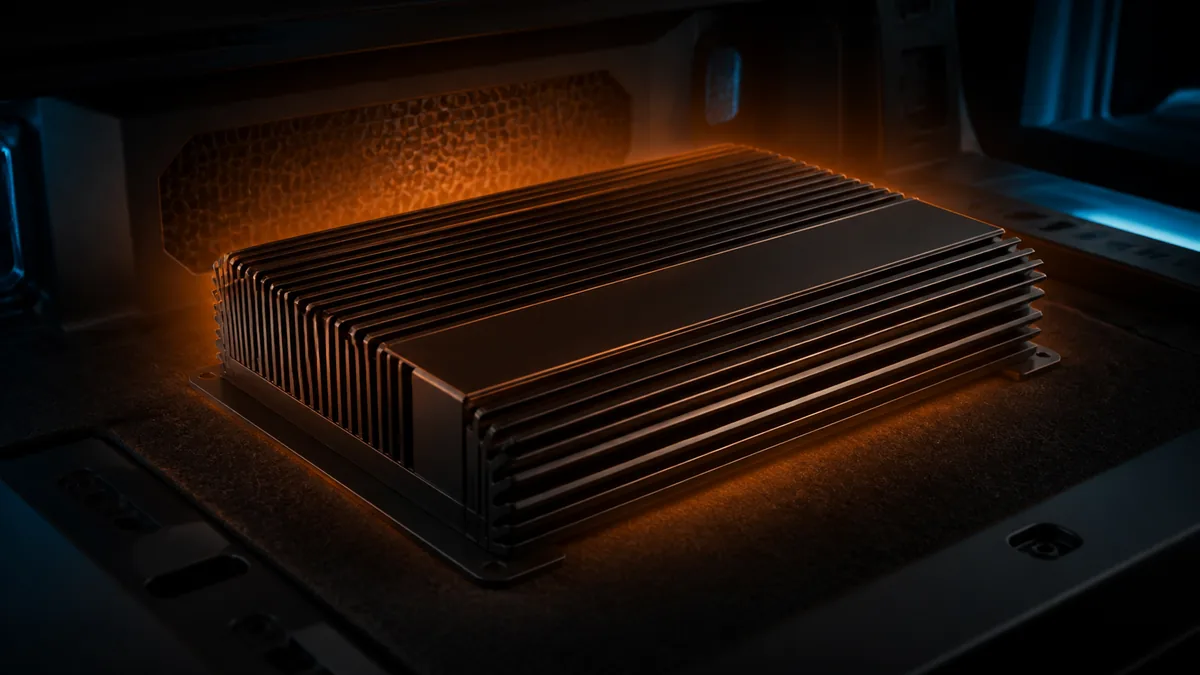
Amplifiers convert some input power into heat, so a warm case is not automatically a fault. “Too hot to touch” is also not a safe or repeatable specification. The useful question is whether the exact amplifier reports thermal protection or reproducibly stops after a temperature-related operating pattern.
Define the event
| Observation | Boundary to investigate | What it does not prove |
|---|---|---|
| Case feels warm but audio remains stable | Normal heat dissipation may be occurring | Correct load, voltage, or installation |
| Audio stops after elapsed high-output use and returns after cooling | Thermal relationship is plausible | Heat’s root cause |
| Protect code explicitly means thermal | Follow that model’s thermal troubleshooting | Same code meaning on another amplifier |
| Shutdown occurs immediately when bass hits | Supply, load, output fault, limiting, or protection may precede heat | Overheating |
| Only one channel cuts out | Channel/output/load or internal fault may be involved | Whole-amplifier thermal shutdown |
| Fuse physically opens | Use the repeated-fuse workflow | Thermal protection reset |
Record model/revision, indicator sequence, ambient conditions, mounting, ventilation, engine state, source, level, elapsed time, channels, final nominal loads, filters/boost, and whether recovery is automatic.
Read the product-specific behavior first
Rockford Fosgate’s official hot-and-shutdown support article identifies load, wiring, power/ground connections, gain setting, ventilation, and installation as relevant checks. AudioControl’s Epicenter amplifier manual defines a product-specific thermal flash indication and installation requirements.
Neither source creates a universal exterior-case temperature for every amplifier. Use the exact manual and manufacturer support for the exact product.
Check interacting boundaries
Ventilation and mounting
Compare installed clearance, orientation, covered surfaces, cargo obstruction, direct sunlight, and ambient temperature with the manual. Adding a fan without correcting an invalid mount, overloaded channel, or bad termination can hide a cause rather than repair it.
Load and output
Verify the exact voice-coil version, complete wiring topology, final nominal load per channel/mode, and the amplifier’s documented minimum. Nominal impedance is a planning value, not a flat resistance at every frequency. Use the validated wiring tool only within its declared scope.
Signal and settings
Excessive input, clipped source output, bass boost, EQ, filter overlap, or sustained low-frequency content can increase demand. Gain is input sensitivity, not a volume control. Do not reduce a setting randomly and declare the underlying installation safe.
Supply and connections
Loose or high-resistance power/ground terminations and inadequate conductors can create voltage loss and local heat. Inspect only with the energy source isolated under the applicable procedure. A voltage measured at the battery at rest does not prove voltage at the amplifier during the event.
Stop conditions
Stop immediately for smoke, odor, discoloration, melted insulation, a hot terminal, liquid exposure, battery damage, repeated fuse operation, or persistent internal-fault indication. Do not bypass thermal/protection circuits, pack ice around electronics, or touch a suspected hot surface to estimate temperature.
If the product enters documented thermal protection after its external installation boundaries have been verified, send the recorded conditions to manufacturer support or a qualified installer. An internal repair is outside this guide.
Last verified: August 23, 2026.
Sources
- Rockford Fosgate, Why Is My Amplifier Getting Hot and Shutting Down?.
- AudioControl, Epicenter 600/1200 Amplifier User Manual.